How to Organize Roofing Supplement Photos by Claim and Roof Area
Kelvin Spratt
Founder, Supplement Snap · October 23, 2026
Key Takeaways
A repeatable system for naming, grouping and labeling roofing supplement photos by claim and roof area so reports are fast to build.
Preparing a supplement? Use the free checklist so nothing is missing when you submit.
The problem with a camera roll
A single roof can produce a hundred photos. Mixed in with personal pictures and other jobs, they are hard to sort, and the person writing the supplement often was not the person on the roof.
A simple system, applied the same way every job, saves more time than any single tool.
Free download
Roof tear-off findings log
A log for the roof: where each finding is, what it is, how much, and which photos show it, with a checklist before you leave.
Fillable PDF: open it in a PDF reader such as Adobe Acrobat Reader to type into the blanks. Some phone and browser previews cannot.
See all free roofing templates →
No email or sign-up needed. General guidance, not legal advice. Adjust it to your carrier's, client's and state's requirements.
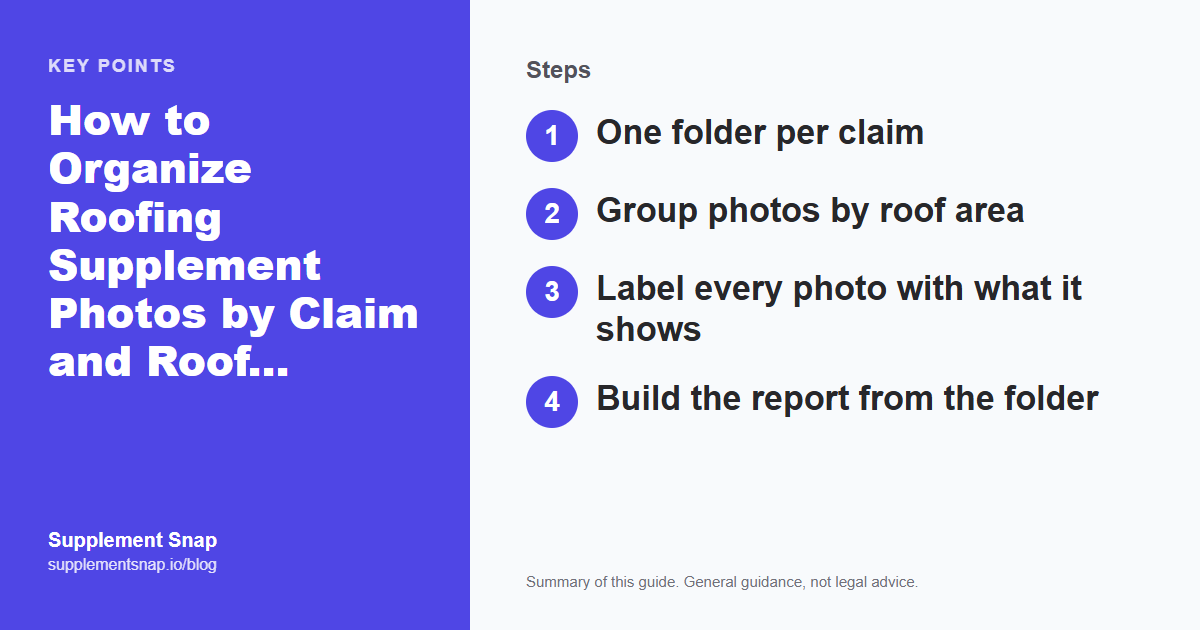
Step 1: One folder per claim
Create one folder per claim, named so it sorts and searches well:
Claim number or job number
Last name
Street name
Example: 12345-Smith-Oak-St. Keep the carrier estimate, measurement report and photos together in that folder.
Capture this on the roof, not from memory.
Supplement Snap lets your crew take photos and voice notes at tear-off and drafts a report you review before sending. Your first project is free.
Step 2: Group photos by roof area
Inside the claim folder, use subfolders or file name prefixes for each area:
Front slope, rear slope, left and right slopes
Valleys, ridges, hips
Chimney, skylights, pipe boots and vents
Eaves, rakes and drip edge
Decking and underlayment
Use the same names on every job so anyone on the team can find a photo.
Step 3: Label every photo with what it shows
For each photo, record the area, the condition and the order, for example: rear-slope-decking-soft-03. If you cannot name the photo, you probably cannot explain it to an adjuster either.
Tie each photo to a finding in your notes. A finding with no photo, or a photo with no finding, is a gap to close before submitting.
A naming pattern you can copy
Pick one pattern and use it on every job. For example: claim-number, then area, then what it shows, then a number.
12345-front-slope-wide-01
12345-rear-eave-decking-soft-04
12345-chimney-flashing-corroded-09
Sequential numbers keep photos in the order they were taken, and the words tell a reviewer what each one shows without opening it. Keep the original files untouched and do any renaming on copies if your phone or software needs it.
Phone habits that save time later
Keep a separate album for each job so personal photos never mix in
Do not delete anything until the claim is fully closed, including blurry shots
Back photos up the same day, in case the phone is lost or broken
Many phones record the date and time inside the photo file. Keep the originals so that information stays with the photo
Do not crop or edit the original. If you want to mark up a photo, do it on a copy
Clean the lens before you start, because wet or dusty glass ruins close-ups
Handing photos to the office
Photos are only useful if the person writing the supplement can find them. Send them to one shared folder, not through a chain of texts, and send the findings log with them. Our free findings log lists each finding with its photo numbers. A simple check helps: the office confirms it received the number of photos the crew says it sent, and the log's findings match the folders.
Why this matters to the reviewer
A reviewer who opens a package with labeled photos, matching findings and a clear order can follow it quickly. One who opens a folder of unlabeled images has to guess. Labeling is not extra work for its own sake. It is the difference between a package that can be reviewed and one that gets sent back. See the common supplement mistakes for the other places packages stall.
Step 4: Build the report from the folder
With photos grouped and labeled, the report writes itself: one section per finding, with its photos, measurements and note. Check it against the free supplement checklist before sending.
If you would rather not rename files by hand, Supplement Snap attaches each photo to a finding, roof area and note as you capture it, then builds the PDF. Compare approaches in software vs. spreadsheets. Good organization supports a claim but does not guarantee approval.
Frequently asked questions
How should I name roofing claim photos?
Use a consistent pattern that includes the roof area, what the photo shows and a sequence number, such as rear-slope-decking-soft-03.
Should I keep original photos untouched?
Yes. Keep the originals unedited, because metadata such as the capture time can matter, and make copies if you need to crop or annotate.
Do I need software to organize photos?
No. A consistent folder and naming system works. Software mainly saves the time spent matching photos to notes and building the report.
How long should I keep claim photos?
Claims can take months and sometimes go through further steps, so keep them until the claim is fully closed. Also follow your own record-retention policy and any requirement from your carrier, state or attorney.
Should I edit or crop claim photos?
Keep the original untouched. If you need to circle or label something, do it on a copy and keep both.
What if my crew uses their own phones?
Set one rule for how photos are named and where they are sent. A shared album or folder per job works, and everyone should know who owns the final set.
Free tools and resources
Ready to streamline your supplement process?
Supplement Snap helps your crew capture hidden damage during tear-off and generate adjuster-ready reports in minutes.
Written by
Kelvin Spratt
Founder, Supplement Snap
Kelvin builds software for roofing contractors who are tired of leaving supplement money on the table. His background in software development and insurance restoration workflows drives everything Supplement Snap does.