How to Roll Out Supplement Software to Your Crew: First 30 Days
Kelvin Spratt
Founder, Supplement Snap · October 25, 2026 · Updated October 25, 2026
Key Takeaways
A practical 30-day plan for getting a roofing crew to use new supplement software: who does what, what to check weekly, and how to fix what is not sticking.
Preparing a supplement? Use the free checklist so nothing is missing when you submit.
The short answer
New software only helps if the crew uses it on every job. The way to get there is slowly and visibly: start with one crew lead on one job, keep the instructions to one page, review the results together and fix what slows people down. By week four the routine should be habit, and you should know from your own numbers whether it is worth keeping.
Disclosure: we make Supplement Snap, which helps roofing crews document damage found at tear-off and export a report. It does not decide coverage, negotiate claims or guarantee approval. This page is general guidance, not legal or claims advice.
Before week 1: choose who and what
Pick one crew lead who is patient and reasonably comfortable with phones. Pick one live insurance job. Write down the three things you want from the tool, such as complete findings, photos beside each one, and a report sent the same day. Our crew checklist and SOP is a good starting page.
Decide who reviews every report in the first weeks. That person is the quality check and the support line.
| Feature | Focus |
|---|---|
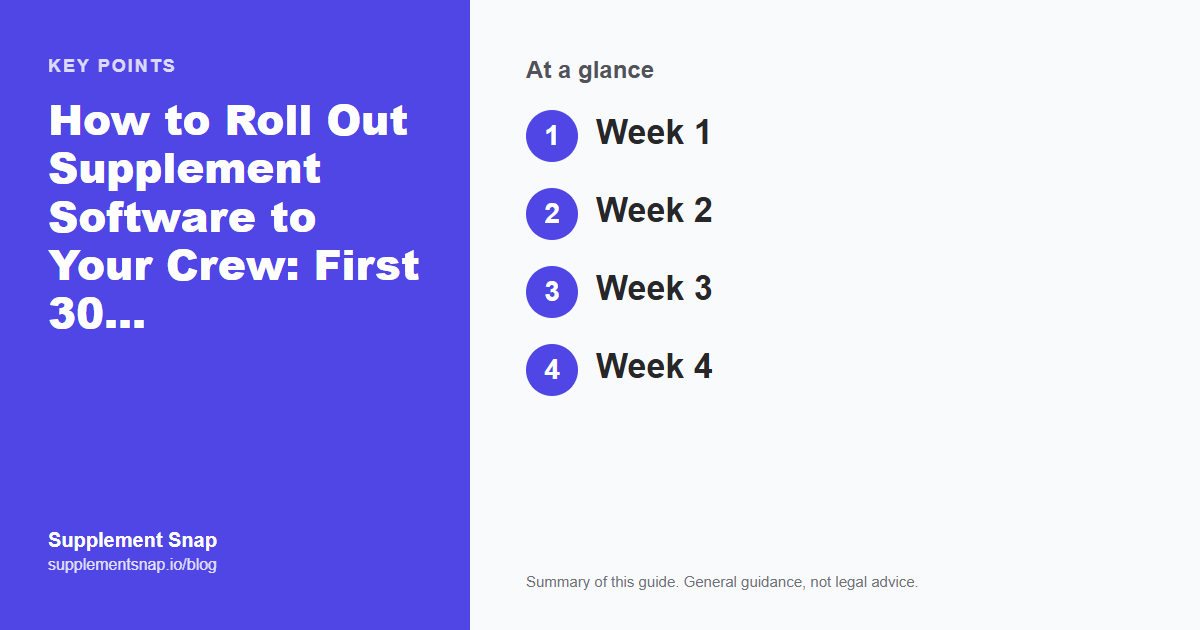
| Week 1 | One job, one crew lead, one short checklist |
| Week 2 | Add a second crew and review every report together |
| Week 3 | Fix what slowed people down and write it into the checklist |
| Week 4 | Everyone uses it, and you track what is working |
Start with one job and one crew lead.
Your first Supplement Snap project is free. Use it to try the rollout plan on a single job.
Week 1: One job, one lead
Walk the crew lead through the app on the truck, then let them do the job. Stay reachable by phone. After the job, build the report together and look at it as an adjuster would. Note every point where the lead hesitated.
Do not add more tools or more rules this week. The goal is a clean first success.
Week 2: Add a second crew
Bring in a second crew lead and let the first one show them. Peer teaching beats a presentation from the office. Keep reviewing every report. Share one good example with the group so everyone sees what good looks like.
Expect questions about photos and where to tag things. Collect them in a short list.
Do not roll out to everyone on day one
A tool that fails with the whole company watching is hard to bring back. Prove it with one person first, fix the rough edges, then widen it.
Week 3: Fix and simplify
Turn the question list into a one-page cheat sheet and update the checklist. If the app is slow on a certain phone, replace that phone or change the step. If one finding type is always missing quantities, add a reminder to the checklist. Our findings log can back up the app when signal is bad.
Week 4: Everyone, with a scoreboard
Make the routine the standard for every insurance job. Start tracking a few simple numbers: how many jobs had complete findings, how many supplements went out within a day or two, and how many were paid in whole or in part. See how to track your supplement results.
If adoption is patchy, ask why instead of pushing harder. Usually a step is too slow or too confusing.
Keeping it going
Review one report a week, praise good ones, and fix friction quickly. Check in with the crew leads monthly. If after a month the tool is not getting used, decide honestly whether to simplify, retrain or switch. The software cannot do the work if the habit does not form.
A sample week-one plan (fictional)
Monday: walk the crew lead through the app on the truck for ten minutes. Tuesday and Wednesday: use it on a live tear-off while you stay on call. Thursday: build the report together and note every hesitation. Friday: change one thing on the cheat sheet and thank the lead.
The schedule is an example. Adjust it to your jobs. The shape is the point: short practice, a real job, a review and one improvement.
Signs the rollout is working
Crew leads capture findings without being asked, reports arrive with photos beside each finding, quantities are written down, and the office stops calling the roof for details. A drop in follow-up questions from adjusters is another good sign. If those are not happening after a few weeks, return to week three and find the friction.
Frequently asked questions
How long does it take a crew to learn supplement software?
It varies. Many crews can capture a finding after one walkthrough, and building the habit usually takes a few weeks of consistent use.
Who should own the rollout?
One person, such as an operations manager or the owner, who answers questions and reviews reports in the first weeks.
What if some crew members resist?
Ask what slows them down and fix that first. Show them how the documentation protects their work.
Do I need training sessions?
A short walkthrough on a real job, a one-page cheat sheet and a quick review of the first reports are usually enough.
How do I know it is working?
Track complete findings per job, time to send, and what was paid. Compare them with your numbers from before.
What if we have poor signal on many jobs?
Test that case early. Keep a paper findings log as a backup while you confirm how the app handles it.
References & Resources
Free tools and resources
Ready to streamline your supplement process?
Supplement Snap helps your crew capture hidden damage during tear-off and generate adjuster-ready reports in minutes.
Written by
Kelvin Spratt
Founder, Supplement Snap
Kelvin builds software for roofing contractors who are tired of leaving supplement money on the table. His background in software development and insurance restoration workflows drives everything Supplement Snap does.