Roof Inspection Report Software: What to Look For
Kelvin Spratt
Founder, Supplement Snap · October 23, 2026 · Updated October 23, 2026
Key Takeaways
What roof inspection report software should do: capture labeled photos, attach notes and produce a clear report. Features and how to compare tools.
Preparing a supplement? Use the free checklist so nothing is missing when you submit.
What roof inspection report software is for
Roof inspection report software helps you record what you find on a roof and turn it into a document someone else can understand. The reader might be a homeowner deciding whether to repair, an insurance adjuster reviewing a claim or your own office preparing an estimate.
The core job is simple: capture, label, describe and report. Everything else is a bonus. Tools differ a lot in how they handle those four steps, and in what else they try to do.
Before comparing products, write down who reads your reports and what decision they make from them. That tells you what the report needs to show.
Who reads the report, and what each reader needs
The same roof can need different reports:
Homeowner: Plain language, clear photos and a short explanation of what is wrong and why it matters.
Insurance adjuster: Findings with locations, measurements and photo proof, written factually so each item can be verified.
Your office: Enough detail to write an accurate estimate without calling the crew back.
A report that tries to serve all three often serves none well. If your main need is documenting hidden damage for insurance claims, read how to write a roof inspection report for the structure first.
Features that matter
These are the features that decide whether a tool saves time on a real roof:
Capture speed: If it takes a minute to log one photo, the crew will skip it.
Labels: Roof area and finding type, so photos do not pile up unsorted.
Notes: A typed or spoken note attached to each photo, written at the time.
Report layout: Each finding shown with its photos and measurements in a clean order.
Sharing: Sending the report without leaving the app.
Export: Getting your data out in a usable form.
Test the first two especially. A beautiful report layout does not help if the crew cannot capture data quickly.
Core features to look for
Different kinds of tools do different jobs
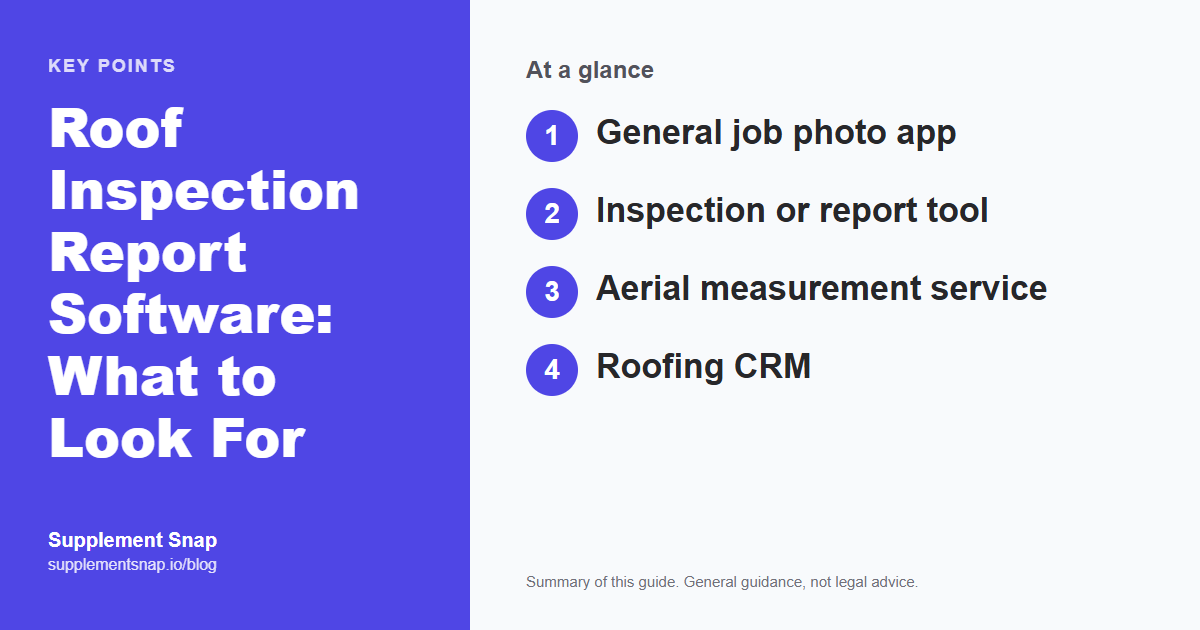
Roofing software is a crowded category, and the names overlap. It helps to separate the jobs. The table lists the main kinds of tools and what each is mainly built to do. Many products blend several, so check each vendor's current feature list.
A common mistake is to compare a CRM against a documentation tool and conclude one is missing features. They solve different problems. Many roofing companies use more than one.
| Feature | Main job |
|---|---|
| General job photo app | Capture and organize photos for many trades |
| Inspection or report tool | Turn findings into a written report |
| Aerial measurement service | Provide roof measurements from imagery |
| Roofing CRM | Manage leads, jobs and customers |
| Supplement documentation tool | Document hidden damage and prepare adjuster reports |
How to compare options fairly
Do not decide from a demo. Run a real job through each tool and compare the result. Keep the test short and the same for every product.
When you review the reports, look for the things an adjuster or homeowner would look for: can I tell what each photo shows, where it is on the roof and why it matters? If you have to explain the report out loud, it is not clear enough.
Also compare the cost at your volume, not the headline price. A tool that charges per user or per report can look very different at ten jobs a month than at a hundred.
Pick one real job
Use a job with several findings, not a clean roof.
Capture the same findings
Have the same person record the same conditions in each tool.
Time the whole path
Measure from the first photo to a finished, sendable report.
Get a second opinion
Show each report to someone who was not on the roof.
What a good finished report includes
Whatever tool you use, a strong inspection report has the same bones:
Property and claim details: Address, date, carrier and claim number if relevant.
Findings by roof area: Slope, valley, chimney, eave and so on.
Labeled photos: Wide and close-up, with a scale where size matters.
Measurements: Area, length or count for each finding.
A short factual note: What was observed, without guessing at coverage.
Before sending, run the report against the free supplement checklist and the photo documentation checklist.
Where Supplement Snap fits
Supplement Snap is built for roofing contractors who document hidden damage found at tear-off and prepare supplement reports for adjusters. If your main need is a general sales inspection or aerial measurement, check whether it matches your workflow first.
You can see the output in the sample report, and compare approaches in roofing software for contractors. Software organizes your evidence and saves time. It cannot guarantee that a claim is approved.
Match the tool to the job
A tool built for hidden-damage supplements is not the same as one built for sales inspections or aerial measurements. Decide your main job first.
Mistakes to avoid with inspection reports
Whatever tool you use, the same errors make reports less useful:
Photos without context: A close-up with no wide shot leaves the reader unsure where it is.
No scale: Without a tape measure or known object, size is a guess.
Opinions as facts: Writing that something was caused by a storm, when you only observed the condition, invites disagreement.
Editing originals: Keep the original photos untouched and work from copies if you crop or annotate.
Inconsistent labels: Calling the same area a different name in each photo makes the report hard to follow.
A short, consistent routine on every job beats a clever tool used inconsistently.
Questions to ask any vendor
Use the same list for every product you evaluate:
What happens when there is no signal on the roof, and how does data sync later?
Can I add a spoken note to a photo, and is it turned into text?
What does the finished report look like to someone who does not use the app?
Can I export my photos and data if I leave?
How is pricing structured: per user, per report or per job?
Where is my data stored, and who can see it?
A vendor who answers these plainly and lets you test on a real job is usually one worth trusting. Ask for a trial with your own data, not a prepared demo.
Frequently asked questions
What should a roof inspection report include?
Property and claim details, labeled photos, findings by roof area, measurements and a short factual description of each condition.
Do I need software to write an inspection report?
No. A consistent photo and notes routine works. Software mainly saves time matching photos to findings and building the report.
Can inspection software replace an aerial measurement report?
Usually not. Aerial measurement reports come from separate services, and tools differ in what they support. Check each vendor.
How do I know if a report is clear enough?
Show it to someone who was not on the roof. If they can tell what each photo shows and where it is without asking you, it is clear.
Is roof inspection software the same as a roofing CRM?
No. A CRM manages leads, jobs and customers. Inspection and documentation tools focus on capturing findings and producing reports.
Free tools and resources
Ready to streamline your supplement process?
Supplement Snap helps your crew capture hidden damage during tear-off and generate adjuster-ready reports in minutes.
Written by
Kelvin Spratt
Founder, Supplement Snap
Kelvin builds software for roofing contractors who are tired of leaving supplement money on the table. His background in software development and insurance restoration workflows drives everything Supplement Snap does.
More Articles
Roof Inspection Report: What to Include and How to Write One
Read more →
Roofing Photo Documentation Checklist: What to Photograph at Tear-Off
Read more →
Roofing Software Comparison: CRM vs. Estimating vs. Supplement Tools
Read more →
Xactimate Roofing Software Explained: What It Does and What It Does Not
Read more →