Roofing Supplement Tracker Template (Free PDF, Fillable, Word)
Kelvin Spratt
Founder, Supplement Snap · October 25, 2026 · Updated October 25, 2026
Key Takeaways
Keep track of every supplement you send: claim, carrier, date, follow-up and status. A free printable and fillable tracker and how to keep it current.
Preparing a supplement? Use the free checklist so nothing is missing when you submit.
The short answer
A supplement tracker is a simple list with one line for each supplement you send. It shows what is open, what needs a follow-up and what has been paid or denied. The template here is a one-page printable and fillable PDF and a Word version, so you can start today without software.
Disclosure: we make Supplement Snap, which helps roofing crews document damage found at tear-off and export a report. It does not decide coverage, negotiate claims or guarantee approval. This page is general guidance, not legal or claims advice.
Free download
Roofing supplement tracker
One line per supplement: claim, carrier, date sent, follow-up date, status and amount asked, with a weekly checklist.
Fillable PDF: open it in a PDF reader such as Adobe Acrobat Reader to type into the blanks. Some phone and browser previews cannot.
See all free roofing templates →
No email or sign-up needed. General guidance, not legal advice. Adjust it to your carrier's, client's and state's requirements.
What to put in it
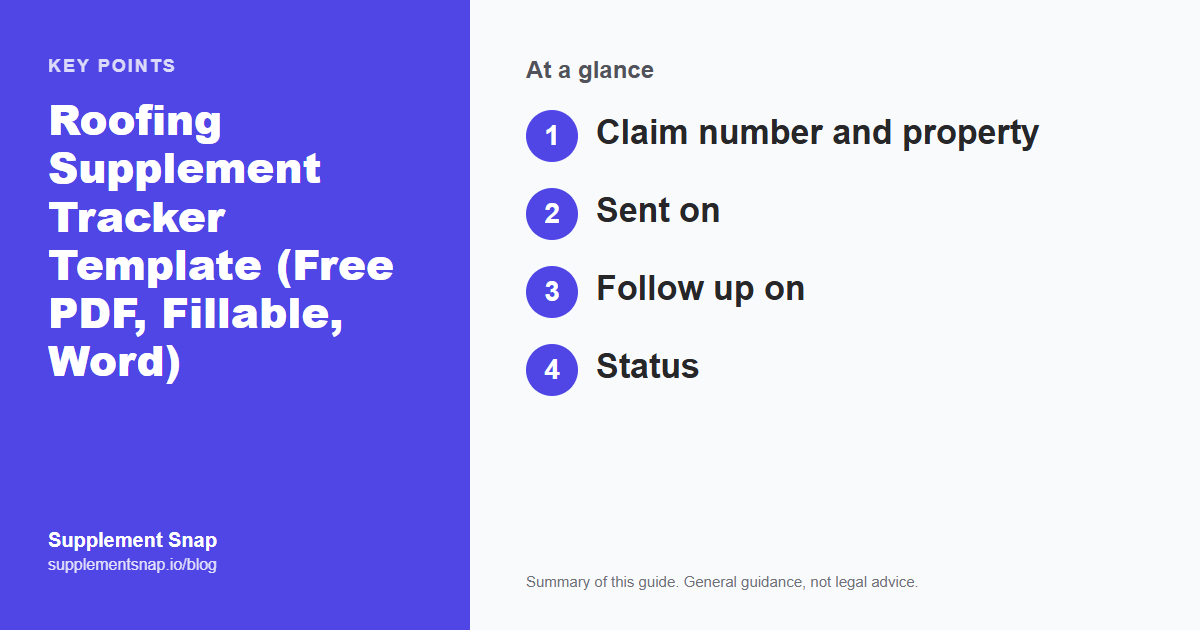
The table lists the columns. Keep the entries short. The details live in the claim file. The tracker exists to point you to the next action.
| Feature | What to write |
|---|---|
| Claim number and property | How the carrier and you both find the file |
| Sent on | The date the package left your hands |
| Follow up on | A date you commit to, so it does not slip |
| Status | A short word that says where it stands |
| Amount asked | What the supplement requested, for your own totals |
Stop losing supplements in the inbox.
Supplement Snap keeps each project's findings and report together, so your tracker only needs the status. Your first project is free.
How to keep it current
Update it when you send, when you hear back and when you follow up. Once a week, scan the list for anything past its follow-up date. Mark paid and denied ones so the open list stays short.
Status words
Pick a few and use them the same way every time: sent, in review, questions, paid in full, paid in part, denied, closed. Consistent words make it easy to search and count.
Set the follow-up date when you send
A tracker only works if the next date is written down at the moment you send. Waiting to remember is how supplements go quiet.
When a paper list is not enough
If you handle many claims at once, a tracker in a project tool can show status next to the photos and report. Supplement Snap, for example, has a claim status on each project. The principle is the same either way: one place, one next date.
Using the follow-up date
On the follow-up date, send a short note in the same email thread and record the contact. Our supplement follow-up log guide covers wording and timing.
How to fill in a sample row (fictional)
Claim 123-456, 9 Pine Ct. Carrier: Example Mutual. Sent on: Oct 12. Follow up on: Oct 17. Status: Sent. Amount asked: $2,140. Notes: emailed to adjuster, copied supervisor. On Oct 17 you follow up and change the status to In review, then on Oct 24 you record that the adjuster asked for the decking photos, and you answer the same day.
The example is invented. The pattern is real: every change gets a date and a short note.
Reviewing the tracker every week
Pick a day, such as Monday, and read down the list. Anything with a follow-up date in the past gets a message today. Anything marked Questions gets a reply. Add up the amounts asked on open lines so you know what is waiting. Move paid and denied lines to a closed list.
Using the tracker with a team
If more than one person sends supplements, keep one shared copy and add a column for who owns each line. Whoever sends the supplement writes the next date. If you keep a printed copy on a clipboard, take a photo of it each week so there is a backup.
Choosing between paper, PDF, Word and software
Paper works if one person handles every claim. The fillable PDF suits people who like to type but do not want a spreadsheet. The Word file lets you add columns. Software helps when many people need to see the same status. Whatever you pick, use it every time you send.
Frequently asked questions
Is the tracker free?
Yes. It is a free download in printable PDF, fillable PDF and Word formats.
How often should I update it?
Whenever something changes, and review it once a week.
What should I track besides status?
The date sent, the follow-up date, who you spoke to and the amount asked.
Can I use it for any carrier?
Yes. It is not tied to a carrier.
Do I need software to use it?
No. Print it or type into the fillable PDF or Word file.
How many supplements can the tracker hold?
The printable page holds 14 lines. Print more pages or copy the Word table if you need more.
Does the tracker replace the claim file?
No. It is an index. Keep the actual documents, emails and photos in the claim file.
References & Resources
Free tools and resources
Ready to streamline your supplement process?
Supplement Snap helps your crew capture hidden damage during tear-off and generate adjuster-ready reports in minutes.
Written by
Kelvin Spratt
Founder, Supplement Snap
Kelvin builds software for roofing contractors who are tired of leaving supplement money on the table. His background in software development and insurance restoration workflows drives everything Supplement Snap does.
More Articles
How to Track Whether Your Roofing Supplements Are Working
Read more →
Roofing Supplement Follow-Up Log: Track Submissions and Adjuster Responses
Read more →
How Long Does a Roofing Supplement Take? What to Expect and How to Follow Up
Read more →
How to Write a Roofing Supplement Request Email to an Adjuster (With Template)
Read more →