How to Field-Test Roofing Supplement Software Before You Buy
Kelvin Spratt
Founder, Supplement Snap · October 25, 2026 · Updated October 25, 2026
Key Takeaways
Test supplement software where it matters: on a roof, with gloves, in sun, with weak signal. A field-test checklist for one real job before you pay.
Preparing a supplement? Use the free checklist so nothing is missing when you submit.
The short answer
Supplement software is used in the field, so test it in the field. Pick one real tear-off, give the app to the person who will actually use it, and watch. The checklist below covers the conditions that cause problems on roofs: gloves, sun, bad signal, interruptions and a user who has never seen the app. Score what you see, not what the demo promised.
Disclosure: we make Supplement Snap, which helps roofing crews document damage found at tear-off and export a report. It does not decide coverage, negotiate claims or guarantee approval. This page is general guidance, not legal or claims advice.
Before you go up
Install the app or open the web version on the phone your crew really uses, not your newest one. Log in and make sure the project exists before you leave the truck. Check battery and storage, because photo apps use both.
If you are comparing two tools, test them on the same job so the conditions match. Our buyer's checklist covers the questions to ask vendors before the test.
| Feature | What to watch for |
|---|---|
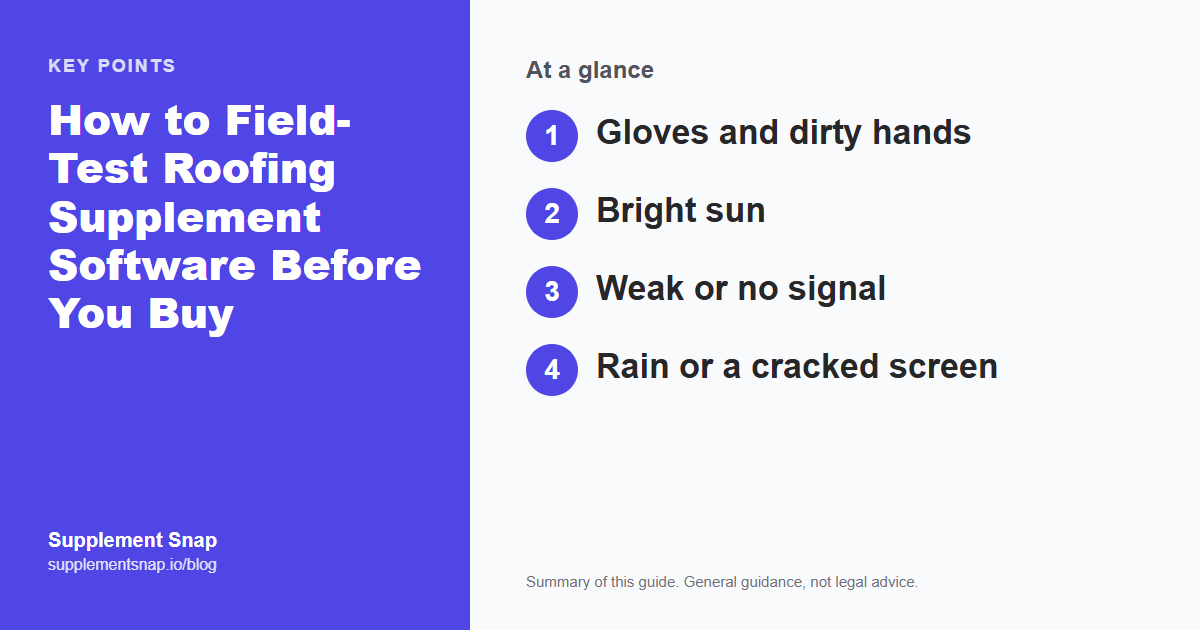
| Gloves and dirty hands | Can you tap the right button without taking a glove off? |
| Bright sun | Can you read the screen and see what the camera captured? |
| Weak or no signal | Does a capture survive, and does it send later without redoing it? |
| Rain or a cracked screen | Are the main actions big enough to hit quickly and by mistake rarely? |
| Interruptions | If the phone rings or the app closes, is your work still there? |
| A new crew member | Can someone who has never seen it capture a finding in a couple of minutes? |
Run the test on a real tear-off.
Your first Supplement Snap project is free. Use it on one job and score it against this checklist before you decide.
Test 1: Gloves, sun and speed
Capture three findings in a row and time how long each takes from opening the app to a saved finding with a photo and a note. Try it with work gloves on. Try reading the screen in direct sun, and tilt the phone as you would on a slope.
A good result is that the crew lead can do it quickly without help and without mistakes. If you need two hands and a shaded spot, the crew will skip it on busy days.
Test 2: Weak signal and no signal
Put the phone in airplane mode and capture a finding, then reconnect. Does the finding appear, with its photos and notes, without you retyping? Supplement Snap saves captures on the phone and sends them when signal returns, but test any tool you are considering yourself rather than taking our word for it.
Also test the opposite: a strong signal with a slow upload. Photos are large, and a tool that freezes on a slow connection is a problem on a long job.
Test the worst day, not the best
A demo on a desk in good light proves nothing. Try it on a hot afternoon on a roof with one bar of signal. If it works there, it will work almost anywhere.
Test 3: Interruptions and mistakes
Start a capture, then switch to another app or lock the phone for a minute. Come back. Is your work there? Tap the wrong thing on purpose and see if you can undo it. Delete something and see whether the tool lets you take it back.
On a real job, calls and texts arrive constantly. A tool that loses work on an interruption will lose your crew's trust fast.
Test 4: The new person
Hand the phone to the least technical person on the crew with no instructions. Time how long it takes them to capture a finding. Do not help unless they are stuck for a full minute.
If they cannot do it, ask whether the problem is the tool or the training. A short instruction card can fix training. A confusing screen is harder to fix.
Test 5: What comes out the other end
Back in the office, build the report from the test job. Open the PDF on a phone and on a computer. Are the photos beside each finding? Are locations, quantities and notes clear? Would an adjuster who was not there follow it?
This is the part that matters most. A fast capture that produces a hard-to-read report has not helped you. Compare it with your current process side by side.
How to score it
Give each test a pass, a partial pass or a fail, and write one line about what happened. Two fails on tests 1 to 3 are a serious warning. Weigh the report quality heavily. Then decide, and if you are still unsure, run the same job through a second tool.
A sample scorecard (fictional)
Test job: a 28 square re-roof with soft decking at the rear eave. Tool A: capture took about a minute with gloves, one missed tap, work survived a phone call, report readable. Tool B: captured fine in good signal, lost a finding after airplane mode, report cluttered.
A simple three-line verdict for each tool is enough: what worked, what failed, would the crew use it again. The example is made up. What matters is that you write down what you saw while it is fresh, so the decision is not based on a vague feeling a week later.
Common reasons tools fail in the field
Buttons that are too small for a gloved thumb, text that disappears in sun, long forms that need typing, no way to save when the signal drops, and apps that reload and lose a half-finished entry. If the tool does well on all five, it has cleared most of the obstacles that make crews quietly stop using something.
Frequently asked questions
How long should a field test take?
One real tear-off is enough. Most of the testing happens while the crew works, with a few minutes of extra attention.
Should I use the free version for the test?
Yes, if it includes the features you need. Check what the free version limits, and see whether the trial or free project includes the report you will actually send.
What if the tool fails the signal test?
That is a real problem if you work in areas with poor coverage. Ask the vendor how they handle it, and test again before you decide.
Who should run the test?
The person who will use it day to day, not the owner. Their experience is the one that predicts whether it gets used.
Can I test more than one tool?
Yes. Use the same job and the same checklist so the results are comparable.
What should I do if all tools feel clumsy?
Start with a printed findings log and a crew checklist, then revisit software later.
References & Resources
Free tools and resources
Ready to streamline your supplement process?
Supplement Snap helps your crew capture hidden damage during tear-off and generate adjuster-ready reports in minutes.
Written by
Kelvin Spratt
Founder, Supplement Snap
Kelvin builds software for roofing contractors who are tired of leaving supplement money on the table. His background in software development and insurance restoration workflows drives everything Supplement Snap does.